🔥 Extract Text from Screen Content, Photos & Camera Scans - Free & Offline!
Snap2Text revolutionizes text extraction with Google ML Kit and advanced AI. Capture from camera, gallery, or screen with floating buttons for seamless OCR on the go. Works without internet!
- Real-time camera & gallery OCR
- Screen capture via floating buttons
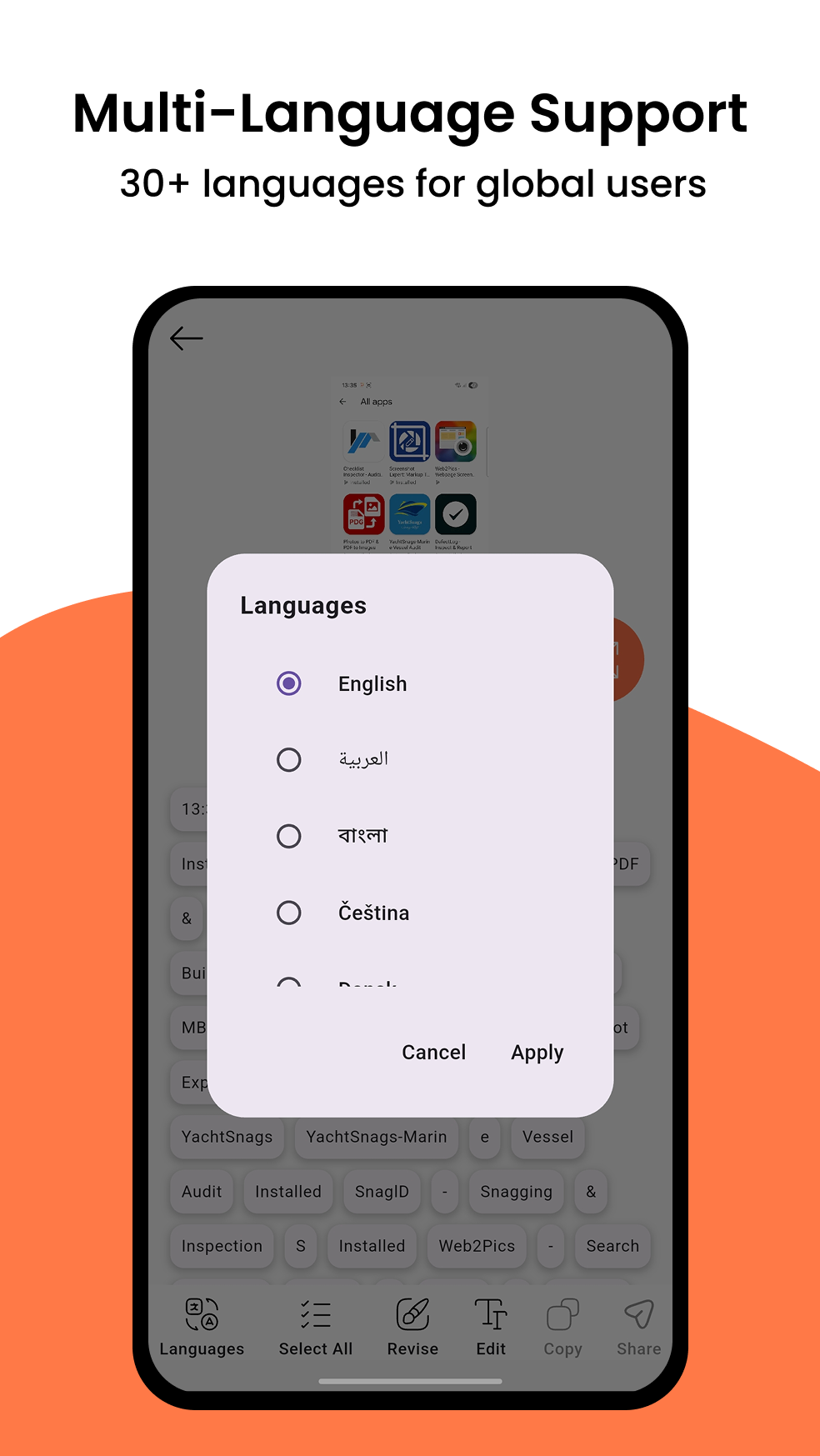
- AI-enhanced accuracy for 30+ languages
Use cases: convert screenshots to text, copy notes from photos, scan documents, extract text from PDF images, and capture screen text without switching apps.
Our Vision & Mission
Empowering users to unlock information from images effortlessly with cutting-edge AI and OCR technology, making digital text extraction accessible to everyone – free and offline!
Innovation
Harnessing Google ML Kit and AI for precise, real-time text extraction from any source, supporting 30+ languages like English, Chinese, and Japanese.
Accessibility
Floating buttons and seamless integration for capturing text from screens, photos, or camera – lightweight and battery-friendly.
Accuracy
Advanced AI enhances OCR results, with smart word segmentation, text box highlighting, and quick edit tools for fixing typos.
User-Centric
Designed for productivity: Perfect for students digitizing textbooks, professionals handling documents, travelers reading signs, and anyone saving time from screenshots.



Revolutionizing OCR Since 2023
Snap2Text combines Google ML Kit's robust OCR with AI-driven enhancements to deliver unmatched accuracy. Capture, extract, and edit text from images or screens in seconds – all offline!
Snap2Text in Numbers
From quick scans to complex document extraction, our app delivers results trusted by millions worldwide – free, offline, and privacy-focused.
SEO keywords covered: offline OCR, screenshot to text, image to text, camera text scanner, gallery OCR converter, multilingual OCR app.
Happy Users
Images Processed
Support Availability
Team Members
🌟 Key Features
Discover how Snap2Text makes text extraction simple, fast, and powerful – free & offline!
Smart Capabilities
Core Features of Snap2Text
Powered by Google ML Kit for reliable OCR and AI for intelligent enhancements, Snap2Text handles everything from quick notes to full documents with one-tap actions: copy or share to any app.
If you need an offline OCR scanner for screenshots, photos, or camera captures, Snap2Text is built to stay fast, accurate, and privacy-first.

✅ Smart Text Recognition
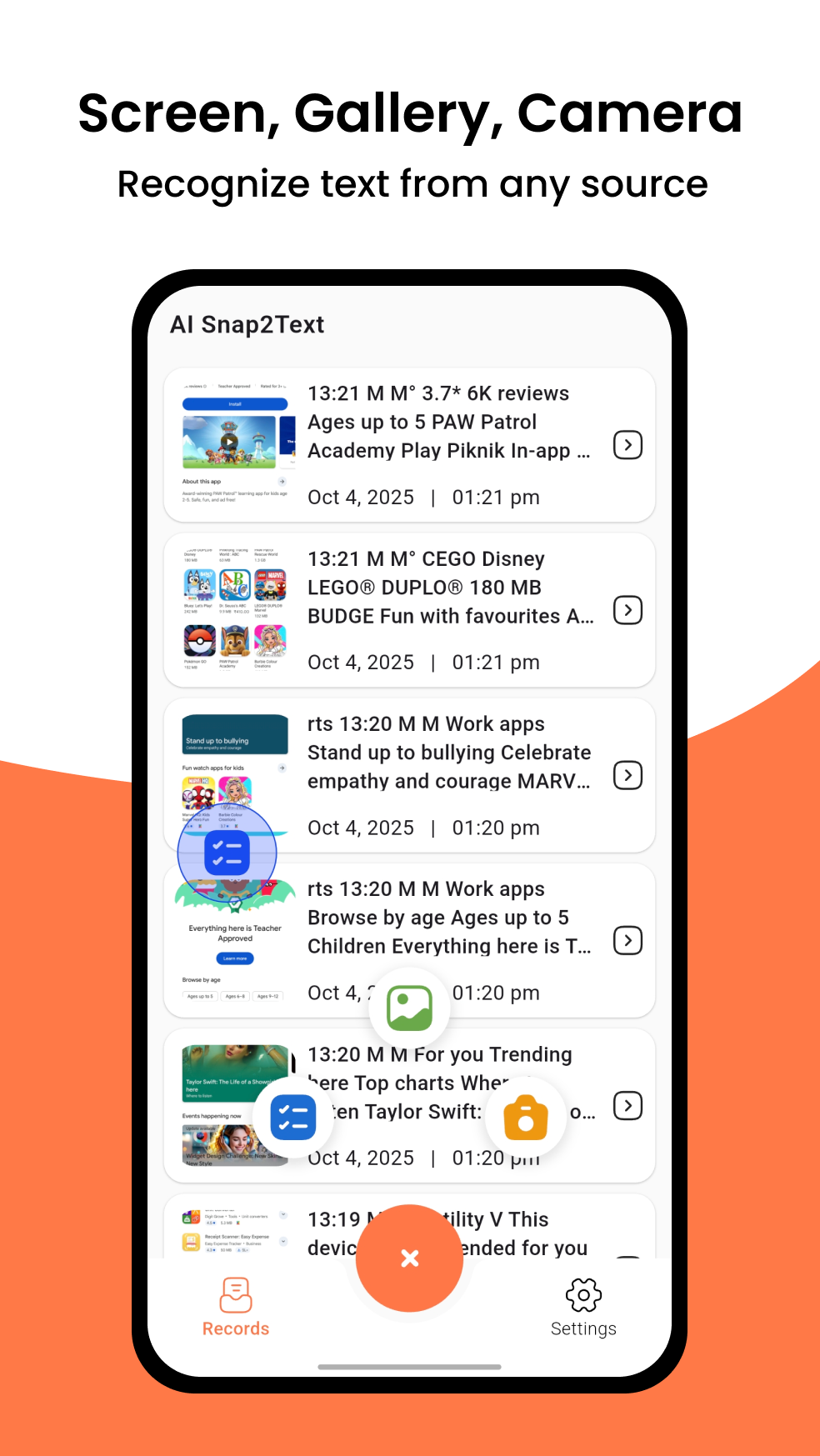
Accurately extract text from 3 sources: Live phone screen content (via floating button), Gallery images (PNG/JPG), Direct camera capture. Offline OCR - Works without internet.
✅ Text Correction & Selection
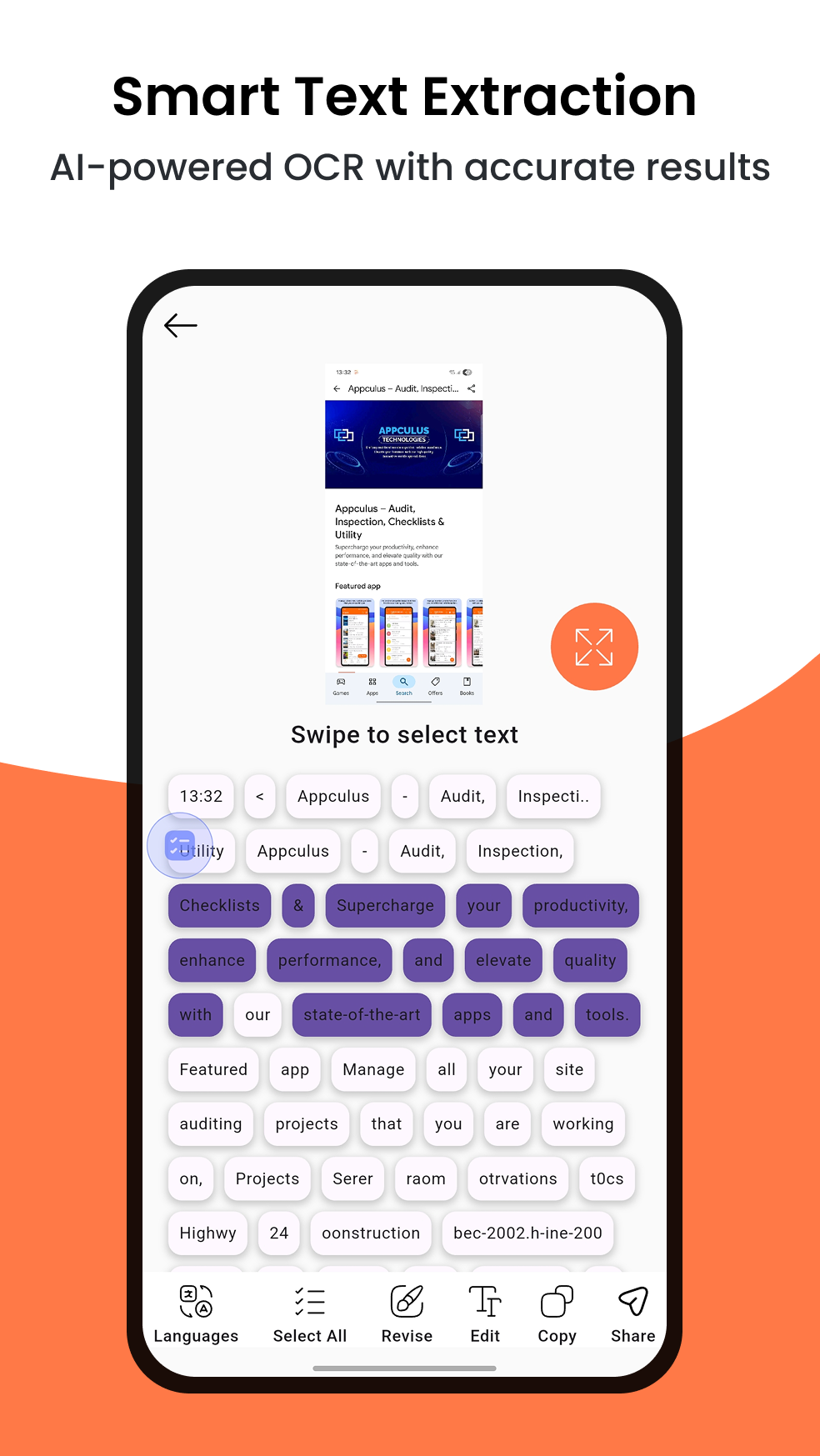
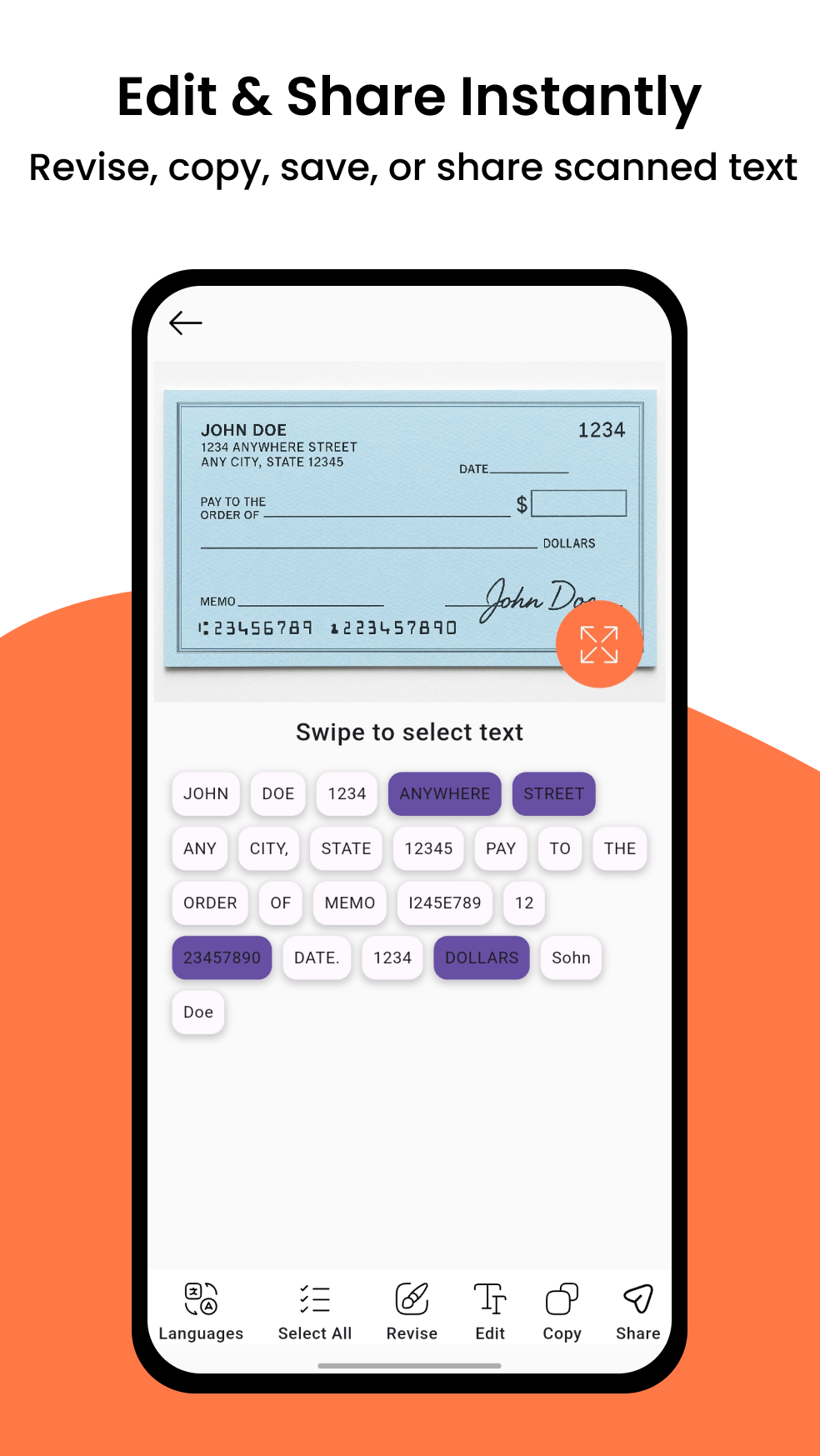
Smart word segmentation - Swipe to select text portions. Text box highlighting - Tap to auto-select words. Quick edit tools: Fix typos, adjust formatting.
✅ Ultimate Convenience
One-tap actions: Copy or share to any app. Local storage: Results saved on your device. Lightweight (5MB) & battery-friendly. Supports 30+ languages.
🔍 Perfect For
• 📖 Students: Extract text from digital textbooks
• 💼 Professionals: Digitize documents instantly
• 🌍 Travelers: Read foreign language signs
• 👩💻 Anyone: Save typing time from screenshots
App Screenshots
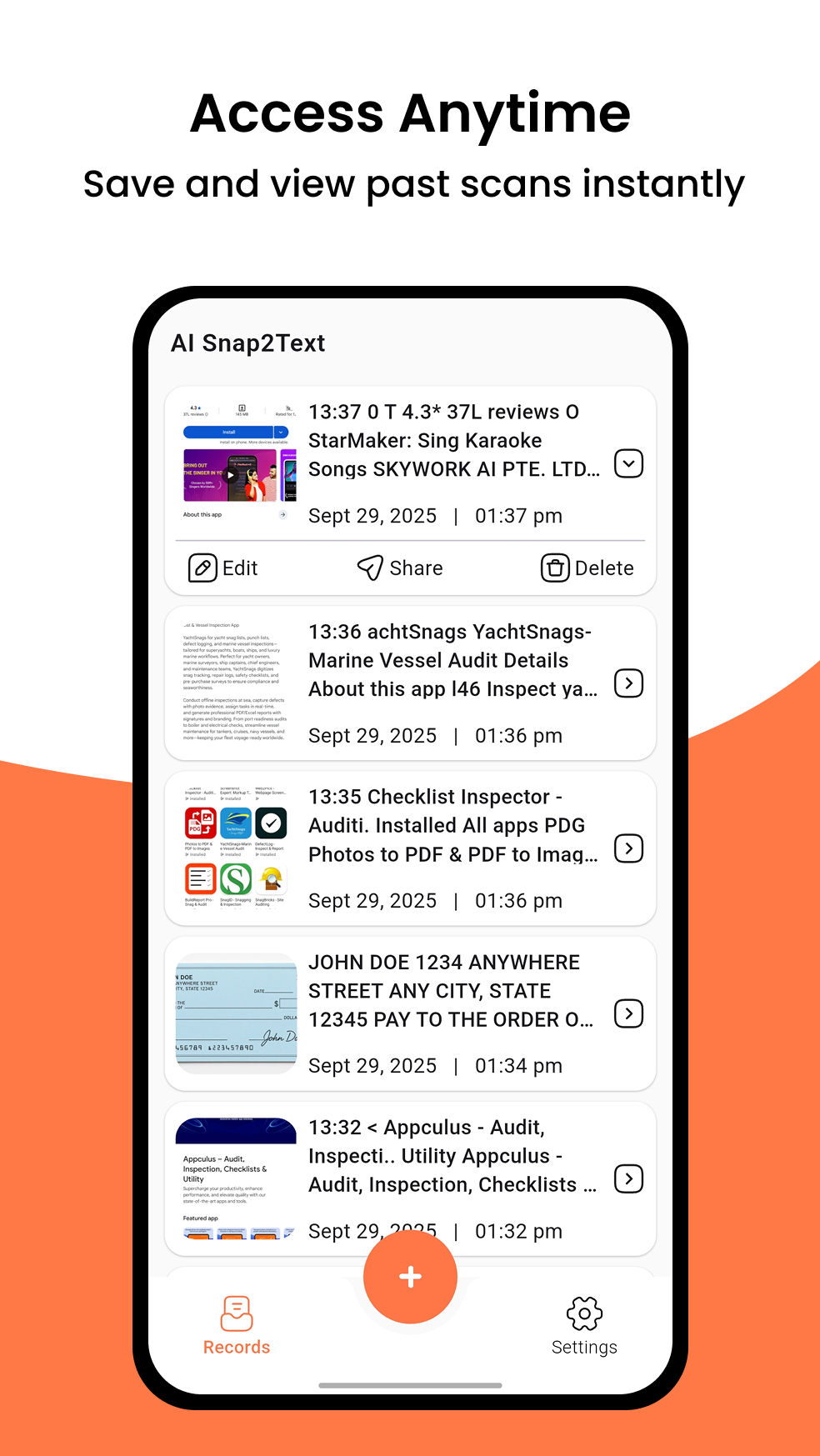
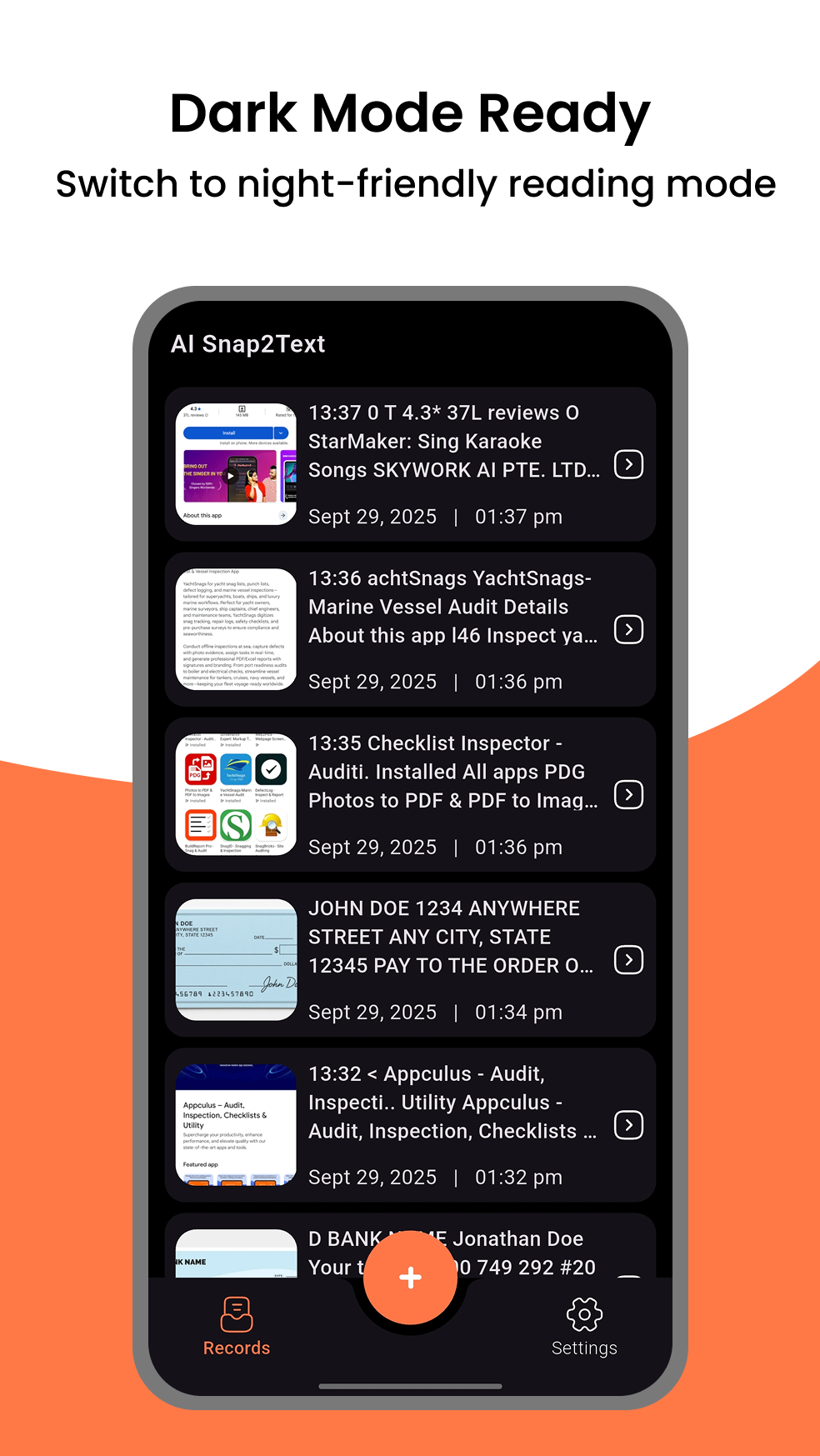
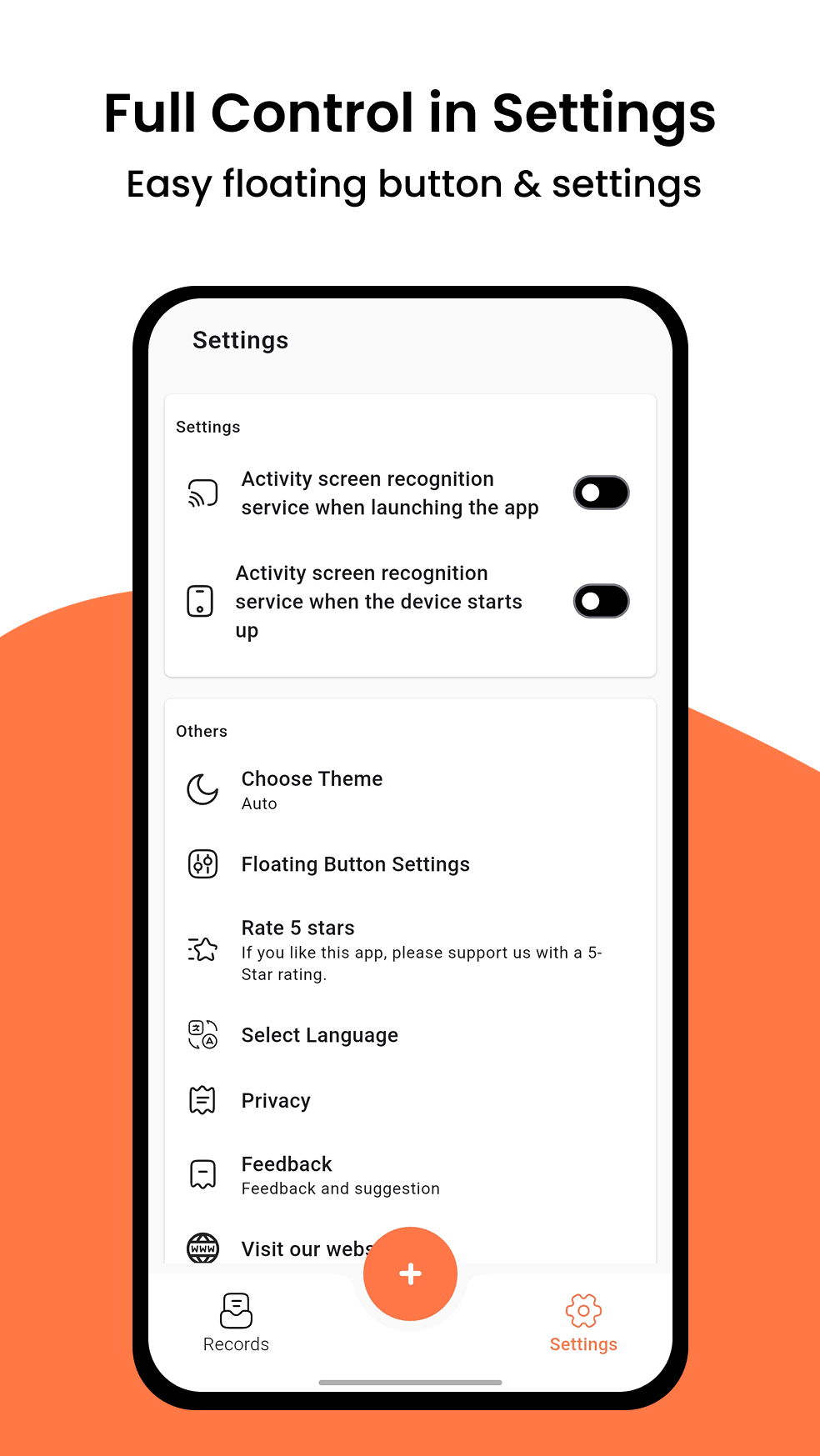
Explore Snap2Text’s offline OCR workflows: screen capture, camera scanning, gallery import, smart selection, and instant copy/share.
Designed for fast, offline OCR
These screenshots highlight the most-used workflows: extracting text from screenshots, scanning documents with the camera, converting images to text from the gallery, and quickly copying or sharing results to any app. Replace the placeholder images below with your real Play Store screenshots to maximize conversions and SEO image relevance.
What you’ll see
- Floating button OCR for screen text extraction
- Camera OCR for documents and notes
- Gallery OCR for PNG/JPG images
- Smart word selection & quick edits
- One-tap copy or share anywhere
User Testimonials
Hear from our community about how Snap2Text transformed their workflow
"Snap2Text's floating buttons make extracting text from apps a breeze. Saved me hours on research!"

Michael Anderson
Researcher"The AI accuracy is incredible—even works on handwritten notes from my old textbooks."

Sophia Martinez
Student"Integrated perfectly with my workflow. Gallery uploads are lightning-fast for document scanning."

David Wilson
Professional"Best OCR app I've used. The screen capture feature is a game-changer for quick notes."

Emily Johnson
Designer"Privacy-focused and efficient. No more typing out long texts from images!"

Olivia Thompson
Entrepreneur"Google ML integration shines. Handles multilingual docs effortlessly."

James Taylor
AnalystHow Snap2Text Works
Simple steps to extract text from any image or screen
Capture Image
Use camera, gallery, or floating buttons to snap any image or screen content instantly – from live phone screen to PNG/JPG files.
AI Processing
Google ML Kit scans for text, enhanced by AI for superior accuracy and context understanding – offline and supporting 30+ languages.
Extract & Edit
Review the extracted text with smart selection, edit as needed, and copy or share directly to other apps – local storage keeps it private.
Done!
Boost your productivity with clean, editable text ready for use in documents or notes – lightweight and battery-friendly.
Frequently Asked Questions
Everything you need to know about Snap2Text OCR AI
1 What is Snap2Text?
Snap2Text is an AI-powered OCR app that extracts editable text from images using Google ML Kit, supporting camera, gallery, and screen captures via floating buttons – free and offline!
2 Is Snap2Text free to use?
Yes, the core features are free with unlimited basic OCR. Premium unlocks advanced AI enhancements and ad-free experience. Works offline without internet.
3 Which platforms does it support?
Currently available on Android. iOS version coming soon.
1 How does the floating button work?
The floating button overlays on any screen, allowing quick screenshots and instant OCR without switching apps – perfect for screen content extraction.
2 Does it support multiple languages?
Yes, powered by Google ML Kit, it supports over 30 languages (English, Chinese, Japanese, etc.) with AI improving detection for mixed scripts – all offline.
3 Can it handle handwritten text?
Absolutely, the AI enhancement feature excels at recognizing and converting handwriting to digital text, with quick edit tools for corrections.
1 Is my data secure? 🔒 Privacy
All processing happens entirely on-device with Google ML Kit—no images or text are ever sent to any server, ensuring complete privacy. Only anonymous crash and performance data may be collected via Google services.
2 What if OCR accuracy is low?
Enable AI enhancement for better results. We also offer manual editing tools for fine-tuning, including smart word selection and formatting adjustments.
3 How do I contact support?
Reach us via email at info@tasakiapps.com or through the in-app help section. We appreciate your feedback!
Still have questions? We're here to help!
Contact Support► Notice: Snap2Text can't recognize secure pages, such as Youtube protected content, pages in a banking app, or a password input page.
📥 Download Now & Boost Productivity!
Join over 500K users who rely on Snap2Text for effortless OCR and AI-powered text conversion – free, offline, and private.

Contact
Get in touch for support, partnerships, or feedback on Snap2Text. Email: info@tasakiapps.com
Location
Cosmos City, Indore, MP 535022, India
info@tasakiapps.com
Call
+91 9752386827
Open Hours
24/7 Support via Email
Get in Touch
Share your thoughts or suggestions—we appreciate your feedback to improve Snap2Text!